
Minecraft PE MODS 1.21
-
![Add-on: Item Modification [26+]](/templates/Minecraft/img/no-img.png)
Add-on: Item Modification [26+]
With the Recycle Recipes add-on, you can disassemble, smelt, and rework most ...
-
Mod: Fake liquids [26+]
The Fake Liquid Blocks mod lets you prank your friends in Minecraft PE (Bedrock) using new blocks. ...
-
Mod: Sword Defence [26+]
The Sword Blocking mod lets you use your sword to block enemy attacks. ...
-
Mod: Chests and Keys [26+]
The Keys & Crates mod will add chests to Minecraft PE (Bedrock) that will be randomly generated ...
-
Mod: Fairytale Mobs [26+]
The Nico’s Mobs mod is one of the most extensive mods featuring new mobs for Minecraft PE (Bedrock). ...
-
Mod: Unique armour [26+]
The Raiyon's More Vanilla Tools mod for Minecraft PE (Bedrock) adds a huge number of new ...
-
Add-on: Reborn in Hardcore [26+]
Hardcore Revive for Minecraft PE (Bedrock) adds a new dynamic to the game, offering a unique ...
-
Mod: Ammunition for Gast [1.21+]
Armored Ghast for Minecraft PE (Bedrock) lets you ride a Happy Ghast by equipping it with armor and ...
-
Mod: New Enchantments [1.21+]
Raiyon's More Enchantments mod will add new enchantments to Minecraft PE (Bedrock), which you can ...
![Add-on: Item Modification [26+]](/uploads/posts/2026-03/1718697726_recycle-recipes.jpg)
![Mod: Fake liquids [26+]](/uploads/posts/2026-03/1668450629_20221110173657_1-520x245.jpeg)
![Mod: Sword Defence [26+]](/uploads/posts/2026-03/1648399629_sword-blocking-portada_1-520x245.jpg)
![Mod: Chests and Keys [26+]](/uploads/posts/2026-03/1670594551_00-thumbnail_1-520x245.jpeg)
![Mod: Fairytale Mobs [26+]](/uploads/posts/2026-03/1717788768_nicos-mobs.jpg)
![Mod: Unique armour [26+]](/uploads/posts/2026-03/1755930717_raiyons-more-vanilla-tools.jpg)
![Add-on: Reborn in Hardcore [26+]](/uploads/posts/2026-03/1727721815_hardcore-revive.jpg)
![Mod: Ammunition for Gast [1.21+]](/uploads/posts/2025-12/1754390023_armored-ghast.jpg)
![Mod: New Enchantments [1.21+]](/uploads/posts/2025-12/1652101287_screenshot202202260429542_1-520x245.jpg)
![Mod: Torch in the left hand [1.21+]](/uploads/posts/2024-05/1652102558_captura-de-pantalla-144_1-520x245.jpg)
![Mod: 3D Weapons with animations [1.21+]](/uploads/posts/2024-06/1692123277_1_1-520x245.jpg)
![Addon: Working Left Hand [1.21+]](/uploads/posts/2024-08/1724601797_offhand.jpg)
![Mod: Lucky Blocks [1.21+]](/uploads/posts/2024-05/1608731234_realislic-lucky-block-addon-116-update_1-520x245.jpg)
![Mod: Mineral Golems [1.20+]](/uploads/posts/2024-03/1695319524_coverimagebeta_1-520x245.jpg)
![Мод: Собачки [1.21+]](/uploads/posts/2024-03/1709836612_ironmanminiatura_1-520x245.jpg)
![Mod: Prehistoric Animals [1.20+]](/uploads/posts/2024-03/1673163230_opp_1-520x245.jpeg)
![Mod: Ant-Man and the Wasp[1.21+]](/uploads/posts/2024-08/1676563336_antmanportada-mcpedl_1-520x245.jpg)
![Mod: Fantasy and Magic [1.19; 1.20+]](/uploads/posts/2024-04/1664520624_20220925193041_1-520x245.jpeg)
![Mod: Staffs [1.19+]](/uploads/posts/2024-04/1661680109_packicon_1-520x245-malyy.jpeg)
![Mod: Electricity [1.21+]](/uploads/posts/2025-09/1759044926_kwzs-essence.jpg)
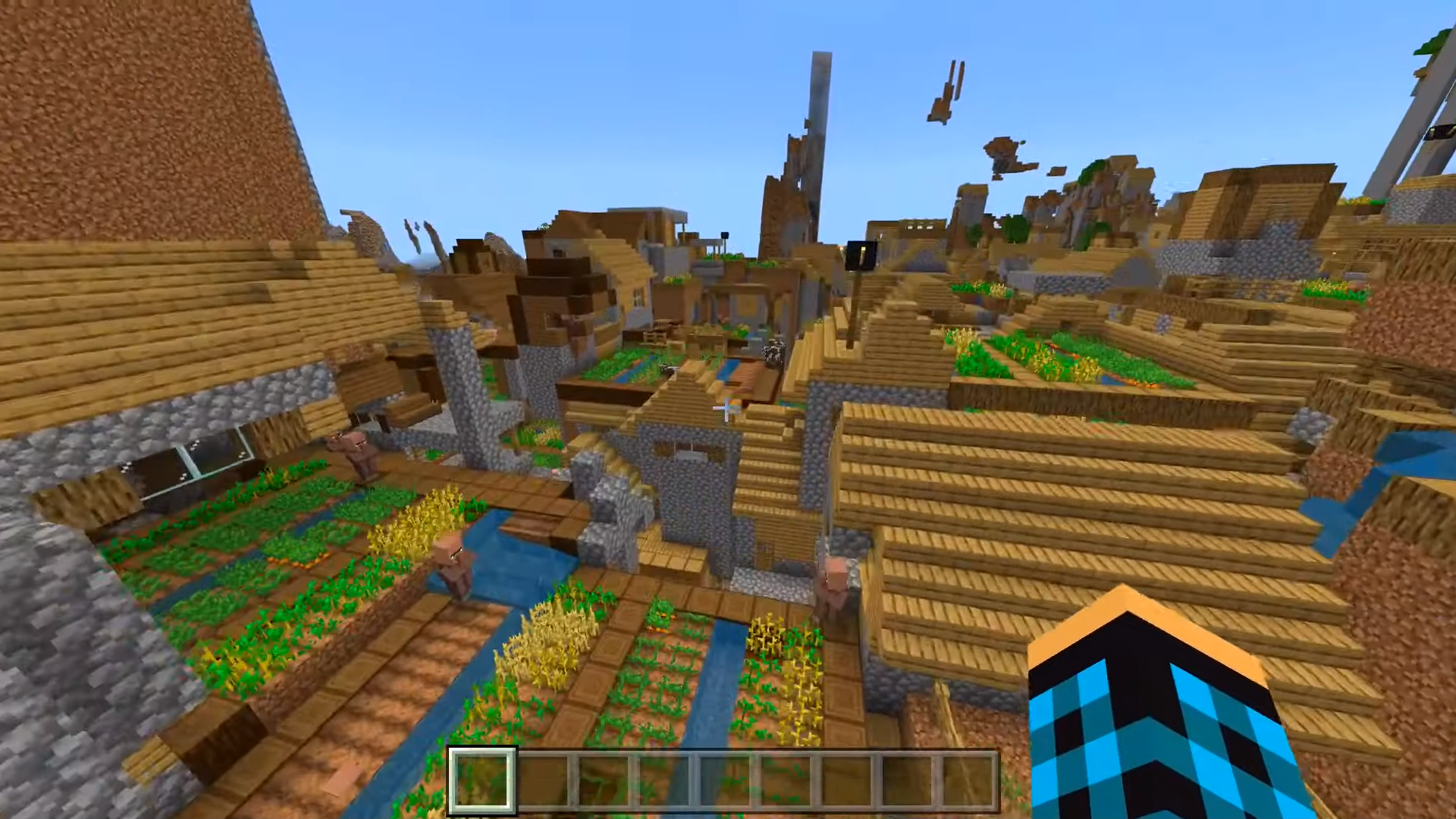
![Map of Dead Zone [1.19+]](/uploads/posts/2024-03/1676184259_tgt3dap9kjy.jpg)
![Maps: Russian city [1.20; 1.21+]](/uploads/posts/2024-04/1702479530_russ-big-city_3.jpg)
![Map: Protected House [1.21+]](/uploads/posts/2024-03/1661709514_safe-house_1-520x245.jpeg)
![Map: The Squid Game [1.21+]](/uploads/posts/2025-07/1752494205_squid-game.jpg)
![Карта: Военная база [1.18; 1.19+]](/uploads/posts/2024-03/1652958931_titular_1-520x245.jpg)
![Map: Santa Attacks [1:20+]](/uploads/posts/2024-03/1701707530_background_1-520x245.jpg)
Texture Packs for Minecraft PE 1.21 | Resource Packs
In the ever-expanding world of Minecraft Pocket Edition (PE), players are continually seeking new ways to personalize their gaming experience. One of the most popular methods of doing so is through the use of resource packs. These packs offer players the ability to modify textures, audio, and models within the game, allowing them to tailor the look and feel of Minecraft PE to their liking.
With the recent release of Minecraft PE version 1.21, players have even more opportunities to explore and experiment with different resource packs. Whether you're looking to add a touch of realism, embark on a medieval adventure, or immerse yourself in a whimsical fantasy world, there's a resource pack out there to suit every taste and preference.
Resource packs come in a wide variety of styles and themes, catering to the diverse interests of Minecraft PE players. Some packs focus on enhancing the game's visuals with high-resolution textures and detailed models, bringing a new level of depth and immersion to the Minecraft experience. Others offer unique and creative designs, transforming the game into everything from a futuristic sci-fi adventure to a cozy countryside retreat.
One of the great things about resource packs for Minecraft PE is the ability to mix and match different elements to create a truly customized experience. Players can choose their favorite textures, sounds, and models from various packs and combine them to create a unique look and feel for their game.
Downloading and installing resource packs in Minecraft PE is a straightforward process. Players can easily browse through the wide selection of packs available online, choose their favorites, and download them directly to their device. Once downloaded, applying a resource pack is as simple as navigating to the settings menu in Minecraft PE and selecting the desired pack from the available options.
But the fun doesn't stop there! Many resource packs for Minecraft PE also offer customization options, allowing players to further tailor the pack to their preferences. Whether you want to adjust the colors, tweak the sound effects, or even create your own custom textures, the possibilities are endless.