
Addon: Zooms [1.21; 26+]
![Addon: Zooms [1.21; 26+] Minecraft PE / Bedrock [xfgiven_vers]](/uploads/posts/2026-01/1767265890_just-zoom.jpg)
- Review
- Help/Install
-
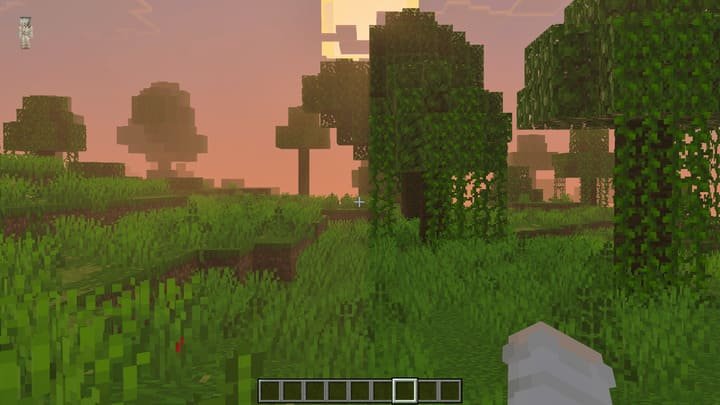
The Just Zoom add-on adds a simple but extremely useful screen zoom feature directly into Minecraft PE (Bedrock). Now, to see distant objects or spot danger ahead of time, you don't need to craft and carry a telescope.
This add-on is especially useful for those who are accustomed to the zoom feature in Java Edition (for example, via OptiFine). In Minecraft PE (Bedrock), it is implemented in the most convenient and intuitive way, allowing you to enjoy the views or search for resources with ease.
Navigation:Features of the Zuma add-on
The main advantage of the mod is flexibility in choosing how to activate the approach. You can use macros (if supported by the version), special items, or simply character movements.
This makes the add-on universal for both PC and mobile gamers. In addition, the zoom works smoothly and does not overload the interface, remaining faithful to the vanilla style of Minecraft PE (Bedrock).
![]()
How to use and configure
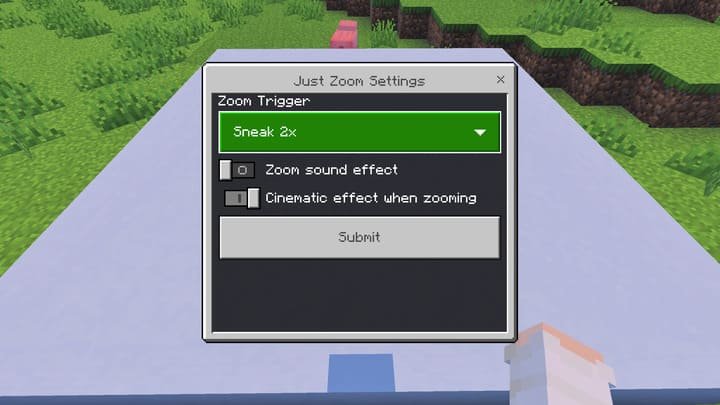
There are several methods for activating zoom. The simplest for mobile players is double sneak or regular sneak. You can also hold a stick or any item named "zoom" in your right hand.
If you want to change the activation method, simply type the command
/settingin the chat and select the option you prefer from the menu that appears. This allows you to customize the controls in Minecraft PE (Bedrock) to suit your preferences.![]()
Cinema mode
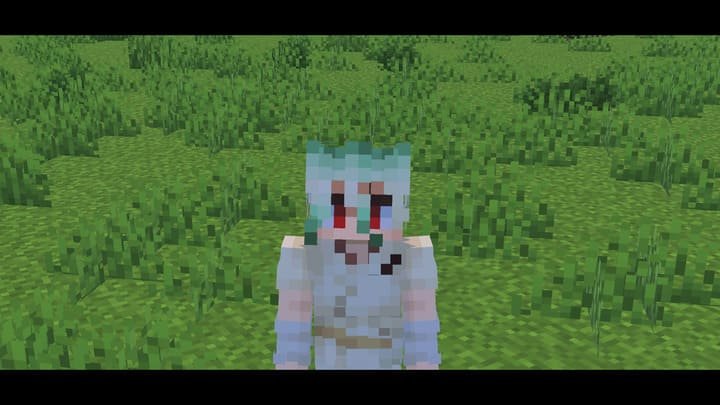
In addition to simple zooming, the add-on includes a cinematic effect option. When zooming, the camera begins to move more smoothly, which is great for creating beautiful videos or screenshots.
There is also a zoom sound effect, which can be disabled in the settings if desired. These little details make using the mod in Minecraft PE (Bedrock) not only practical, but also aesthetically pleasing.
-
Download Addon: Zooms [1.21; 26+]
[929.47 Kb (downloaded: 1103)]
[7.38 Kb (downloaded: 142)]
Comments (0)
Comment