
Mod: Riding Dragons [26+]
![Mod: Riding Dragons [26+] Minecraft PE / Bedrock [xfgiven_vers]](/uploads/posts/2026-08/1761912790_dragon-mounts-2.jpg)
- Review
- Help/Install
-
The Dragon Mounts 2 mod for Minecraft PE (Bedrock) is the official sequel to the legendary mod, taking your interactions with dragons to a whole new level. Forget about just killing the Ender Dragon! Now you can find eggs, raise your own tamed dragons, craft armor and weapons for them, and even revive pets that have fallen in battle.
Navigation:■ Features of the "Ride Dragons" mod
■ From Egg to Mighty Beast: How to Raise a Dragon
■ Administration and Special Courses
■ Types of Dragons and How to Obtain Them
Features of the "Ride Dragons" Mod
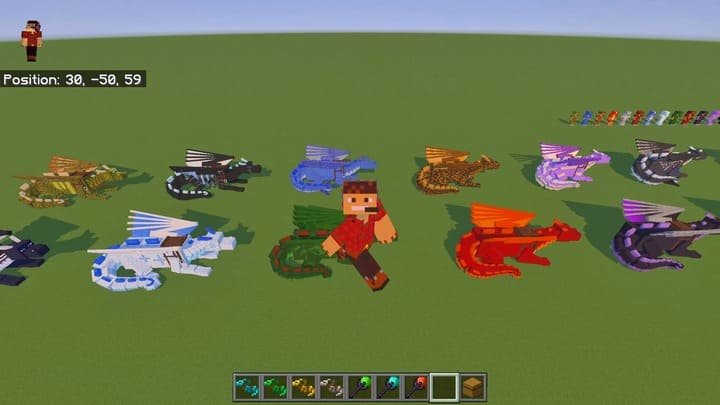
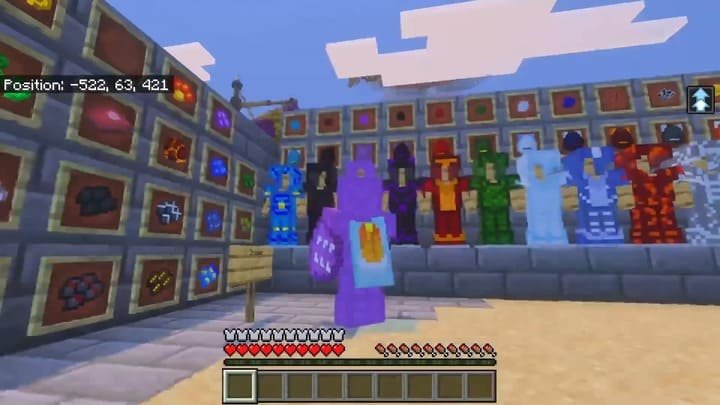
This mod for Minecraft PE (Bedrock) offers a full-fledged RPG experience centered around dragons. It does not require experimental features to be enabled and is fully compatible with Realms and servers, allowing you to earn achievements. The mod adds over 15 types of dragons, new structures in the form of nests, and new tools, weapons, and armor. It’s important to note that this mod is standalone and should not be used alongside the first part, “Dragon Mounts.”
![]()
From an Egg to a Mighty Beast: How to Raise a Dragon
The path to obtaining a loyal flying companion begins with finding its egg. This process requires patience and knowledge, since each dragon species has its own unique characteristics in Minecraft PE (Bedrock).
Searching for and Incubating Eggs
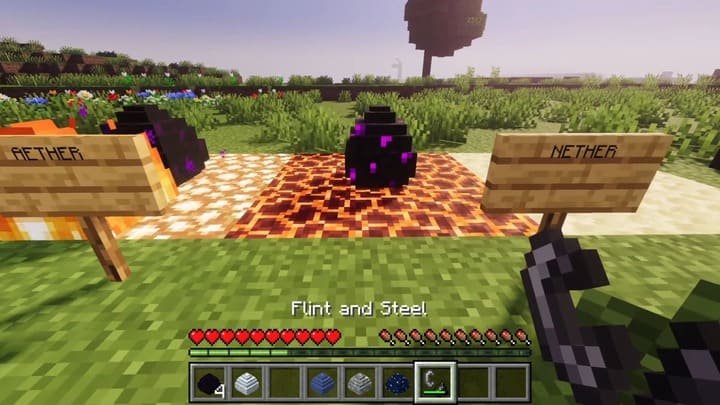
Since wild dragons have gone extinct due to hunting, the only way to get a pet is to find an egg. Dragon nests containing eggs can be found in all three dimensions: the Overworld, the Nether, and the End. To start incubation, simply interact with the egg (click on it) until you see particles. The hatching process takes about 20 minutes of real time.
![]()
Domestication and Breeding
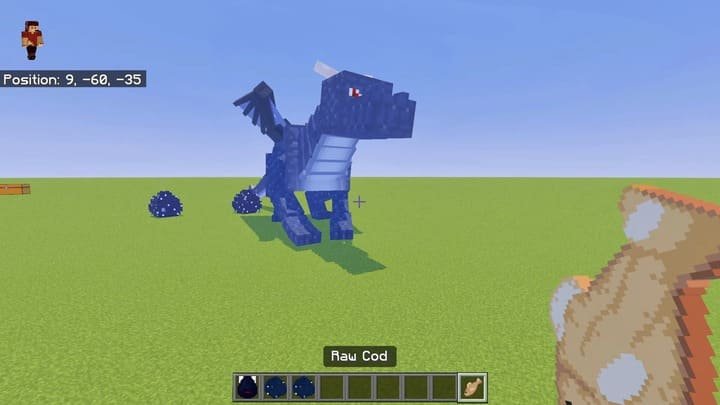
Once the baby dragon hatches, you need to tame it. To do this, use any raw fish except for stickleback. You can feed the tamed dragon the same fish to help it grow. To breed dragons, you’ll need two adult, tamed dragons of the same species. Feed them fish, and they will lay an egg. Important: You cannot create hybrid dragons.
![]()
Management and Specialized Courses
To interact with your new friend and unlock its full potential in the world of Minecraft PE (Bedrock), this add-on adds a variety of unique items.
Amulets, flutes, and wands
Once you’ve tamed a dragon, you can use a special amulet on it to make it follow you. The Dragon Flute allows you to teleport the dragon to you from a great distance; however, the flute’s color must match the color of the dye placed in the third slot of the dragon’s inventory. Dragon Wands, which are crafted from Ifrit Rods and gemstones, allow you to activate your dragon’s attack abilities while riding on its back.
![]()
Spheres of Variation and Resurrection
Using Variation Spheres, you can change the appearance (variant) of your tamed dragon. If your pet dies in battle, it will leave behind a Dragon Core and an Essence. Use the Essence on the Core to resurrect your dragon, but keep in mind that it will return to you as a hatchling, and you’ll have to tame it all over again.
![]()
Types of Dragons and How to Obtain Them
The mod offers a huge variety of dragons, each with its own unique appearance and way for players to obtain them in Minecraft PE (Bedrock). This makes collecting all the different types a real challenge.
Elemental and Natural Dragons
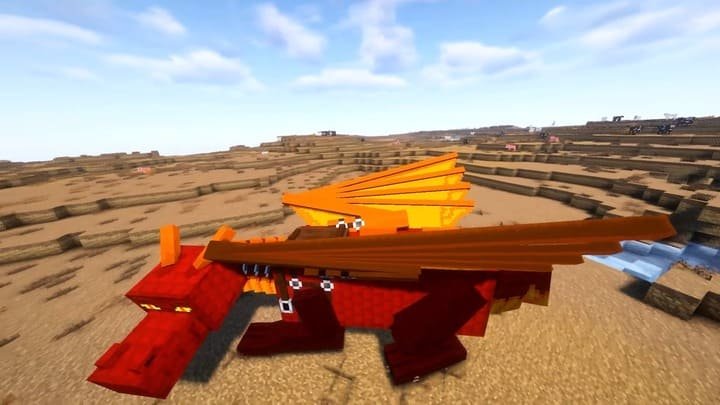
In the game, you can raise Fire, Ice, Water, Forest, and Earth dragons. Each has its own unique textures and, in some cases, abilities. For example, the Forest Dragon has three different color variations depending on the biome where the egg hatched (temperate, cold, or warm).
![]()
Rare and Elite Dragons
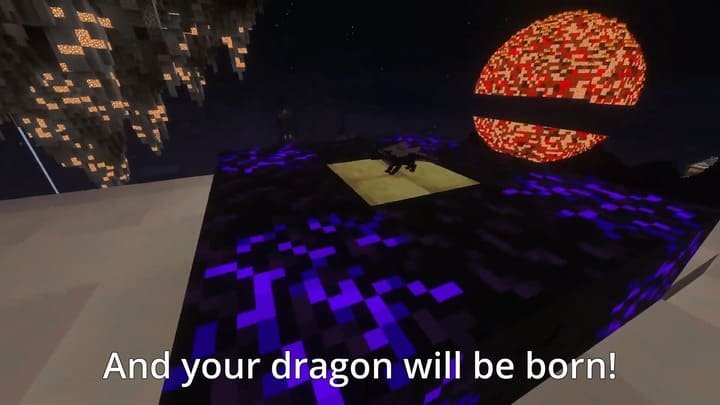
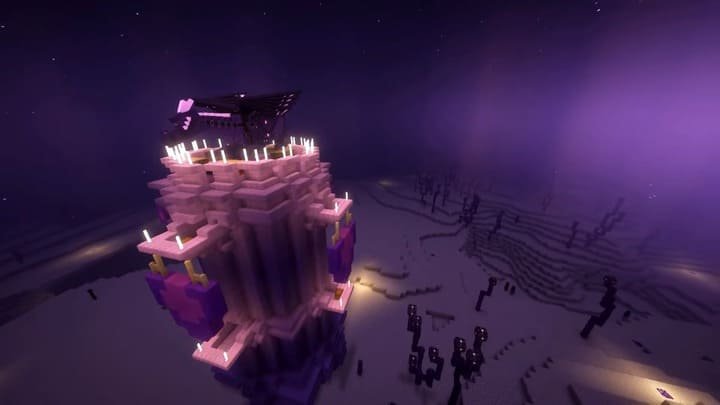
In addition to the common types, there are also rare varieties. The Ethereal, Rock, Edge, and Lake Dragons are obtained by transforming common eggs. To do this, place the egg on a specific block (for example, on an Edge block to obtain an Ender Dragon) and wait 5 minutes. There are also some truly exotic types: Ghost, Skeleton, Zombie, Thunderstorm, Sun, and Moon Dragons, which require special conditions or items to obtain.
![]()
Flight Control
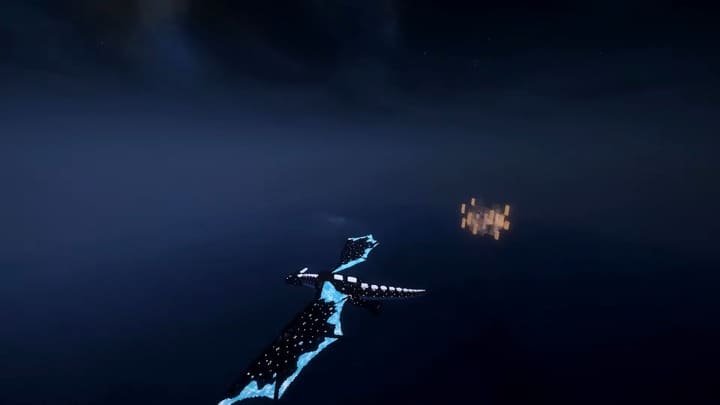
To take off on a tamed dragon with a saddle, simply press the jump button. You can control the dragon in flight using the arrow keys (or a joystick). To land, just look down. Important: You can only dismount from the dragon while standing on a solid block to avoid accidentally falling from a great height.
![]()
-
Comments (0)
Comment